Adding or editing a widget is only possible on computer
, not on smartphone !

¶ Introduction
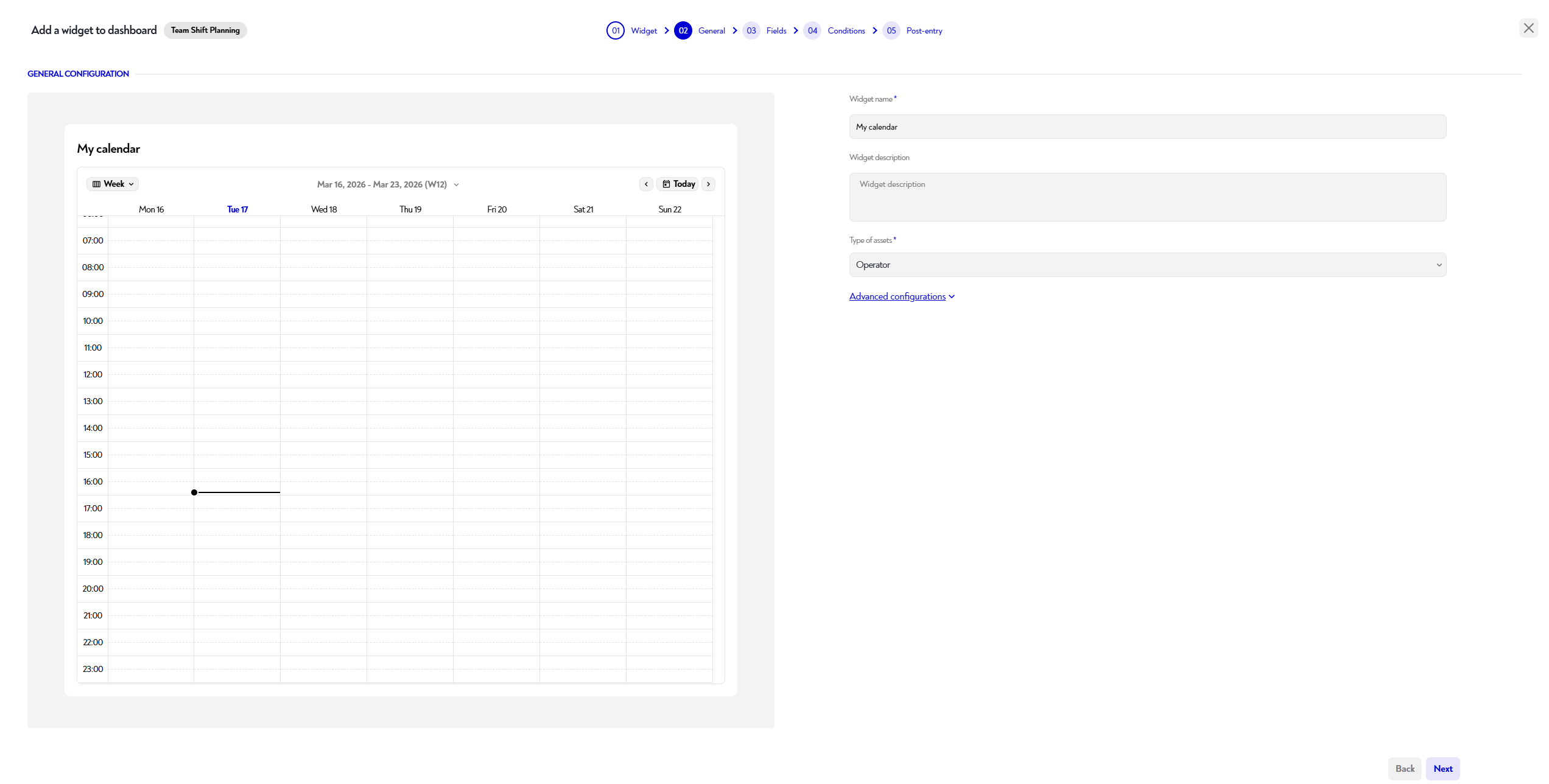
The configuration of the calendar widget works in ** steps, described below.
For each step, you can see the impact of your changes in configuration on the preview panel, on the left.
¶ Step 1: Calendar creation
To create a calendar, you must first associate your asset type with an "event" event type in the asset type management tab.
Choose the asset type whose events you want to see.
This step lets you:
- Choose the name of the calendar you want to display on the widget
- Calendar description (optional) : Add a description to provide more detail. This description will be displayed when hovering over the Calendar title.
- The asset type to which you want to add/edit events.
- Advanced configurations
- Show or hide the widget on small screens (mobile, etc.)
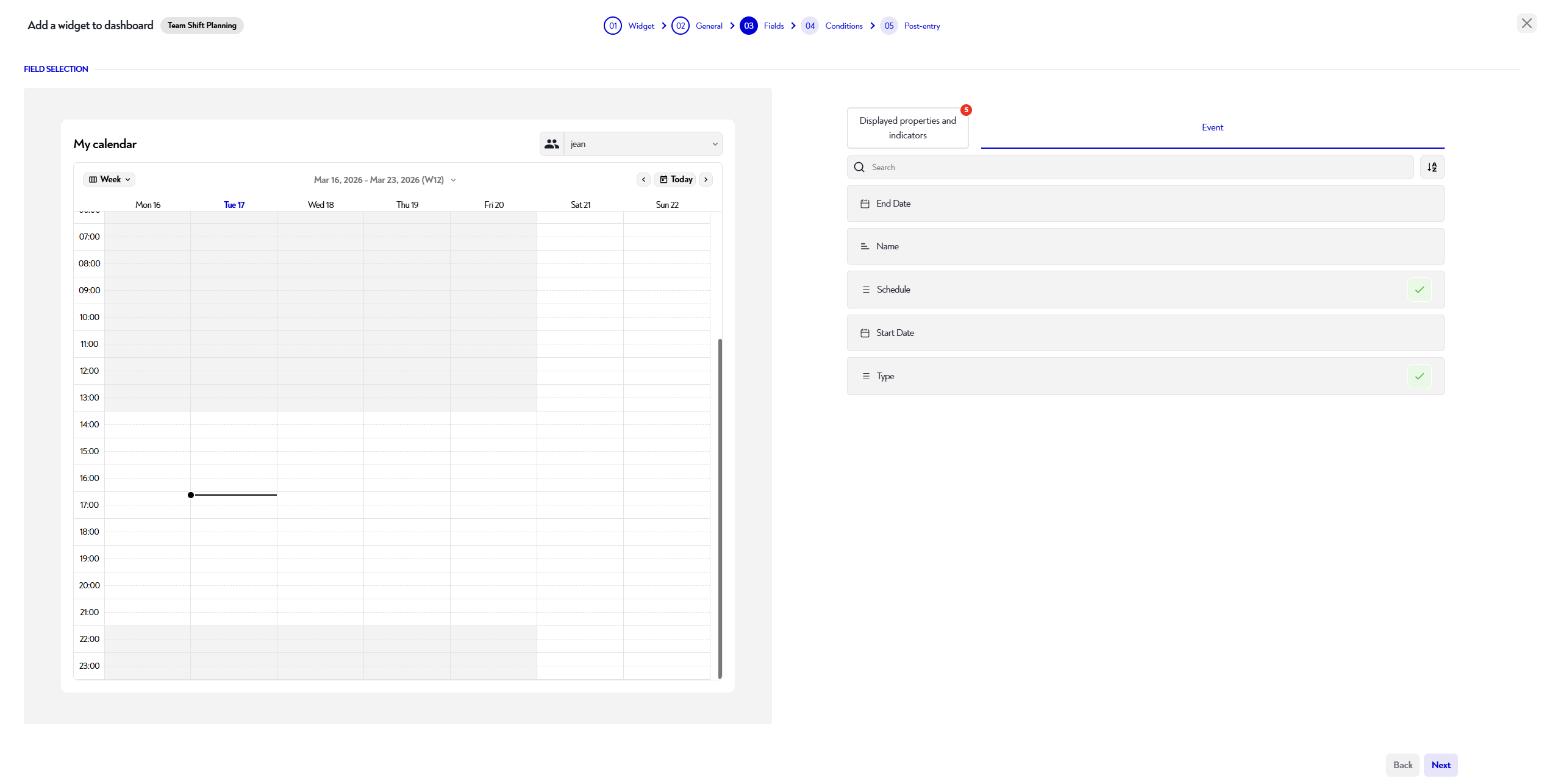
¶ Step 2: Display configuration
Choose the properties that you want to display when creating or editing events on your calendar.
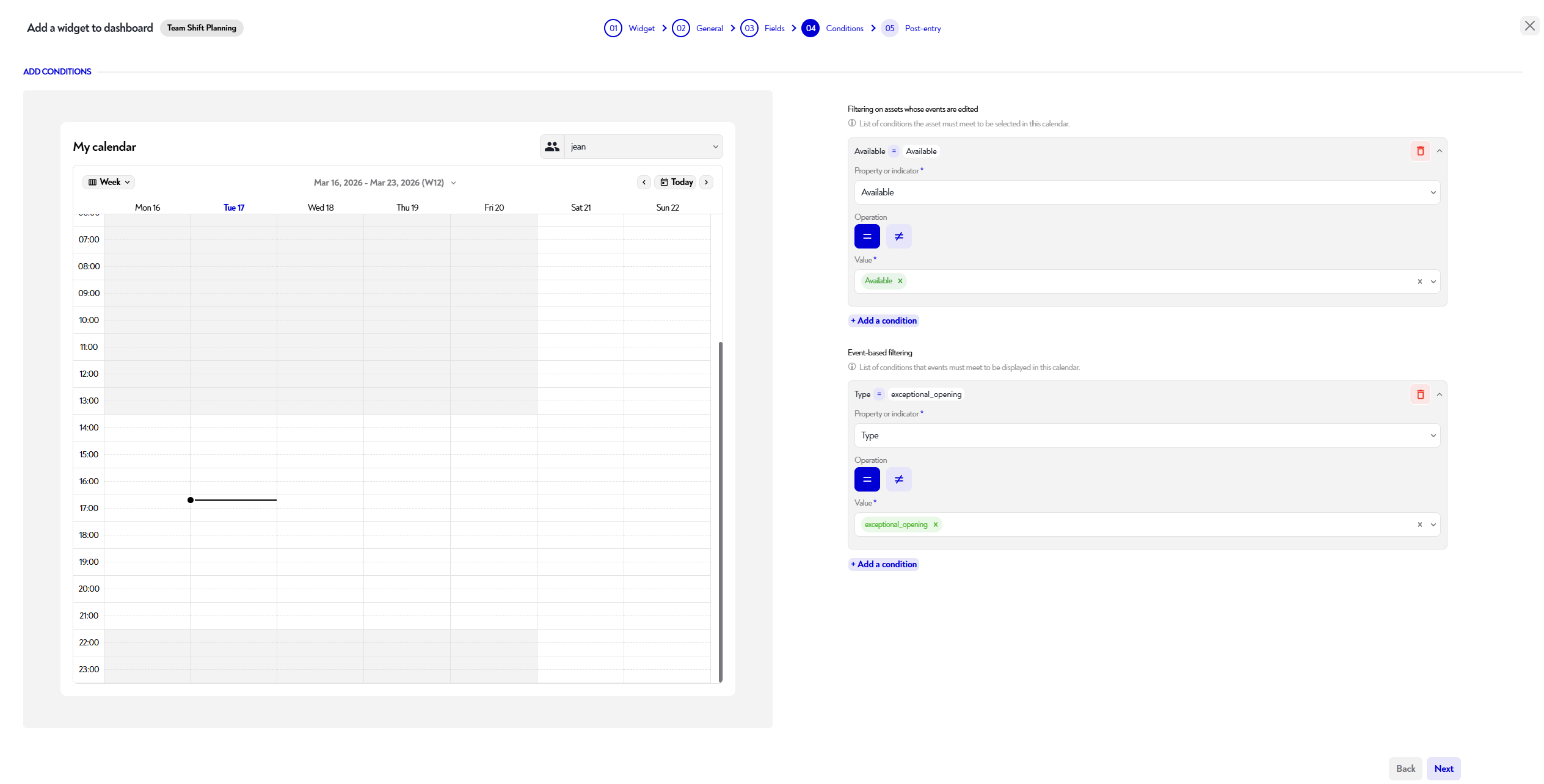
¶ Step 3: Condition definition
Choose the filters that you want to apply to your calendar.
You can filter your calendar by:
- assets (conditions the asset must meet to be selectable in this calendar)
- events (conditions events must meet to be displayed in this calendar)
¶ Step 4: Specific configurations
You can define a change automatically applied to event properties after the form is validated.
Does this page seem unclear or do you need help ?
Feel free to contact us at support@zozio.tech !