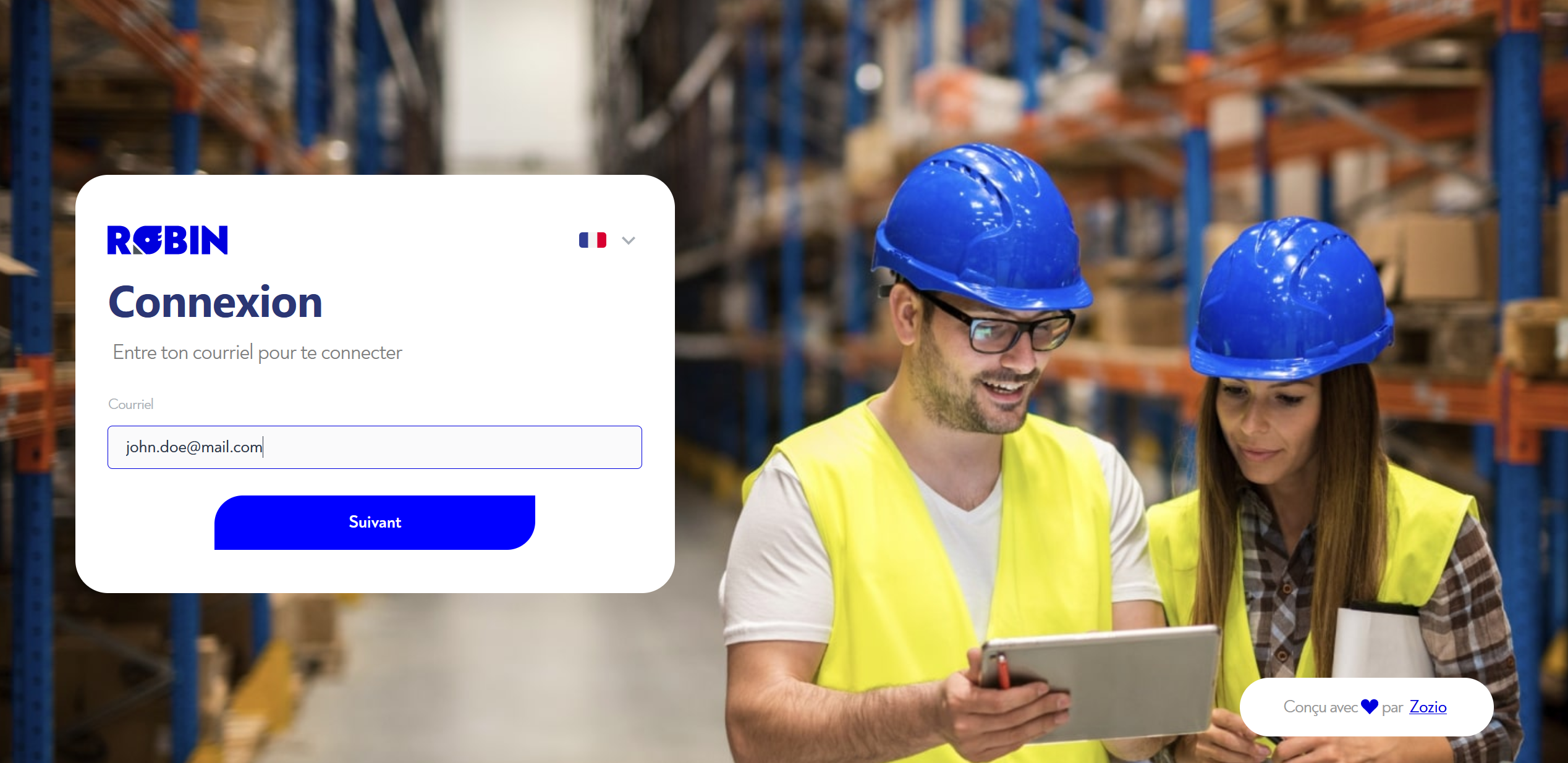
¶ 1 - Enter your username
To connect, simply go to Robin's url in your browser. You can then enter your username (your e-mail address) and click on "Next"
¶ 2 - Enter your password
Users with an enterprise authentication portal (OAuth2, etc.) should refer to its documentation for this step.
Two options are available:
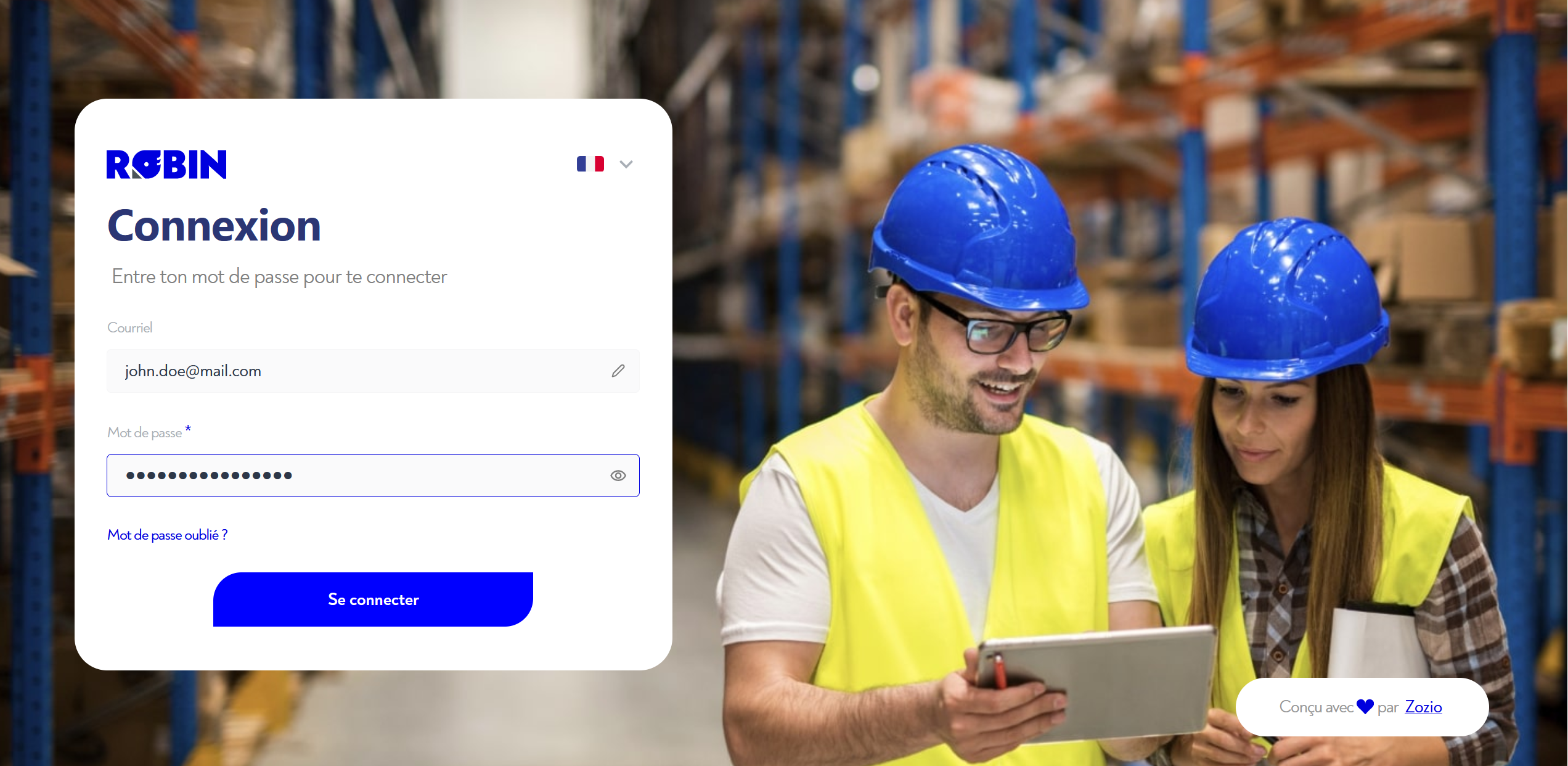
- If you have a "classic" zozio account, you'll be prompted to enter your password and then click on the "Log in" button (see image below).
- If you've mistyped your e-mail, you can change it by clicking on the pen icon to the right of the corresponding input field.
- To display your password, click on the eye icon to the right of the corresponding input field
- Or you are redirected to your company's authentication portal to log in with your corporate account.
If you've forgotten your password, don't worry, it's all explained here !
Is this page unclear or do you need help? Don't hesitate to contact us at support@zozio.tech !